Getting started
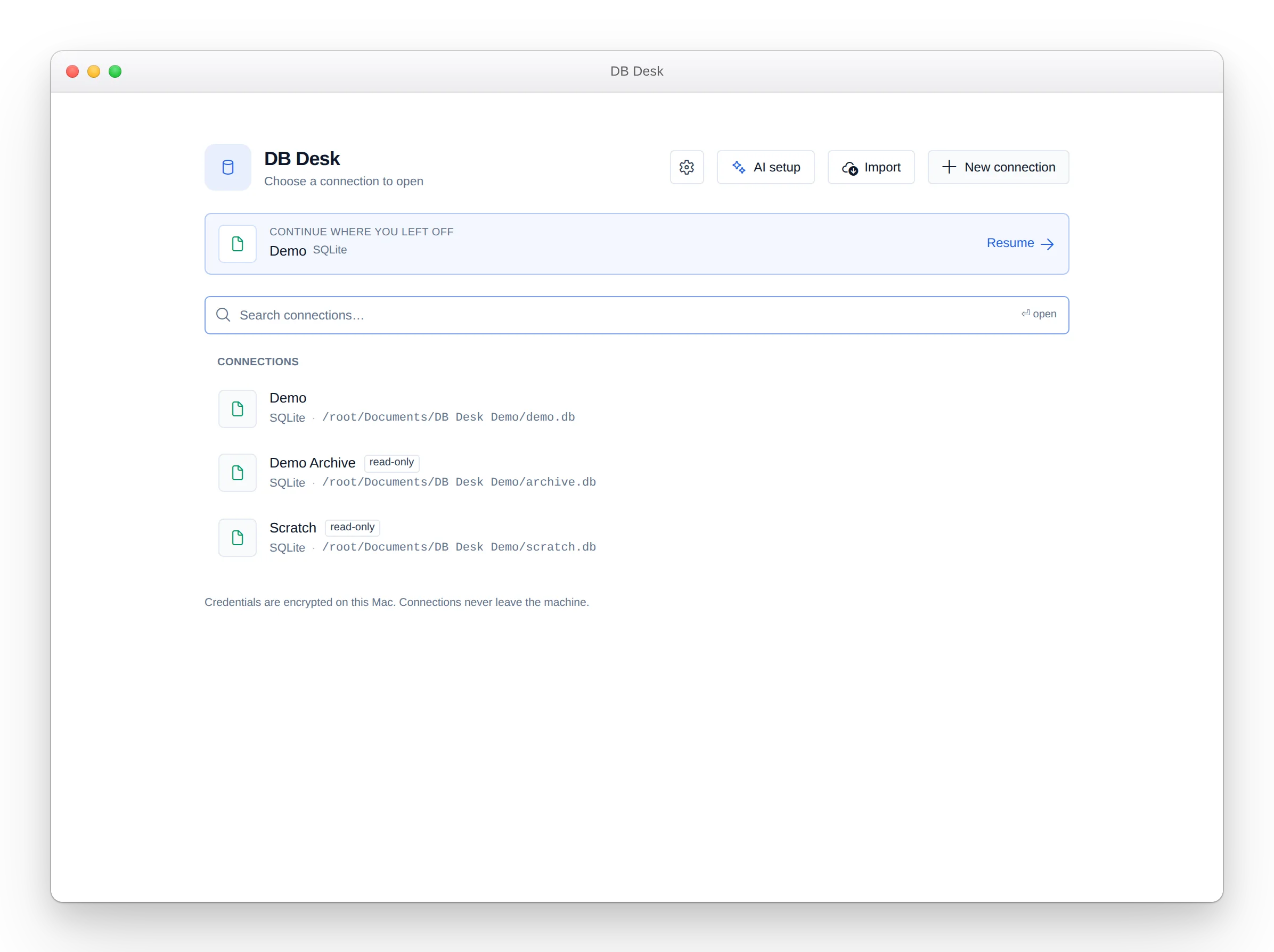
Requirements
- Node.js 26 LTS (or any 22.12+; the repo ships
.nvmrc) - Python 3.11+
- Rust stable (1.77+) and Xcode Command Line Tools on macOS
psqland/ormysqlclients for those connection types (SQLite uses the Python standard library)
The server binds to 127.0.0.1 only. Credentials are encrypted at rest with
AES-GCM in the app-data directory (see Data below) and are never returned to
the UI.
Run from source
# dependencies
make install            # root npm, ui npm, backend pip

# build the page and start the server (opens http://127.0.0.1:8765)
make server

# or run the desktop shell in development (spawns the Python server itself)
npm run app
npm run app needs Rust and the Tauri system dependencies. On macOS that is
Xcode Command Line Tools; on Linux see the Tauri prerequisites.
UI-only development
python backend/app.py              # terminal 1 — API on :8765
npm --prefix ui run dev            # terminal 2 — Vite on :5173, proxies /api
Build the macOS app
make sidecar        # PyInstaller one-file server -> src-tauri/binaries/
npm --prefix ui run build
npm run tauri build # -> src-tauri/target/release/bundle/dmg/*.dmg
The sidecar is a PyInstaller onedir tree (no unpack on launch). Tauri ships
it as a bundle resource, so it lands in
DB Desk.app/Contents/Resources/sidecar/dbdesk-server/. The Rust shell shows a
splash window immediately, starts the sidecar on a free localhost port, waits
until it accepts connections, then navigates the same window to it. The child is
killed on exit. The splash is ui/public/splash.html.
The GitHub Actions workflow builds both architectures on every push:
macos-13→x86_64-apple-darwin(Intel)macos-14→aarch64-apple-darwin(Apple Silicon)
Unsigned DMGs run after a right-click → Open. For distribution, add the
usual signing/notarization secrets (APPLE_CERTIFICATE,
APPLE_CERTIFICATE_PASSWORD, APPLE_SIGNING_IDENTITY, APPLE_ID,
APPLE_PASSWORD, APPLE_TEAM_ID); Tauri picks them up automatically.
Updates
The app checks GitHub Releases for a signed update manifest when it opens.
When a newer version exists, the picker shows Update available — vX;
Update now downloads the .app.tar.gz, verifies the minisign signature,
replaces the bundle and relaunches.
- No Apple Developer account is involved: the updater uses its own minisign
keypair. The public key is in
src-tauri/tauri.conf.json; the private key lives only in theTAURI_SIGNING_PRIVATE_KEYCI secret. - Releases are published by
.github/workflows/release.ymlwhen av*tag is pushed; it reuses the successfulmainbuild and writeslatest.json. - The first build with the updater (0.7.1) must be installed manually once; later versions update in place.
- Manifest URL:
https://github.com/wzul/dbdesk-app/releases/latest/download/latest.json
Data
| Platform | Location |
|---|---|
| macOS | ~/Library/Application Support/DB Desk/data |
| Linux | ~/.local/share/dbdesk/data ($XDG_DATA_HOME) |
| Windows | %APPDATA%\DB Desk\data |
Set DBDESK_HOME to override. The directory contains:
connections.json— connections, passwords AES-GCM encryptedvault.key— the 32-byte key (0600)audit.jsonl,approvals.json,queries.json,views.json